


Science says: your laptop is dirtier than you think
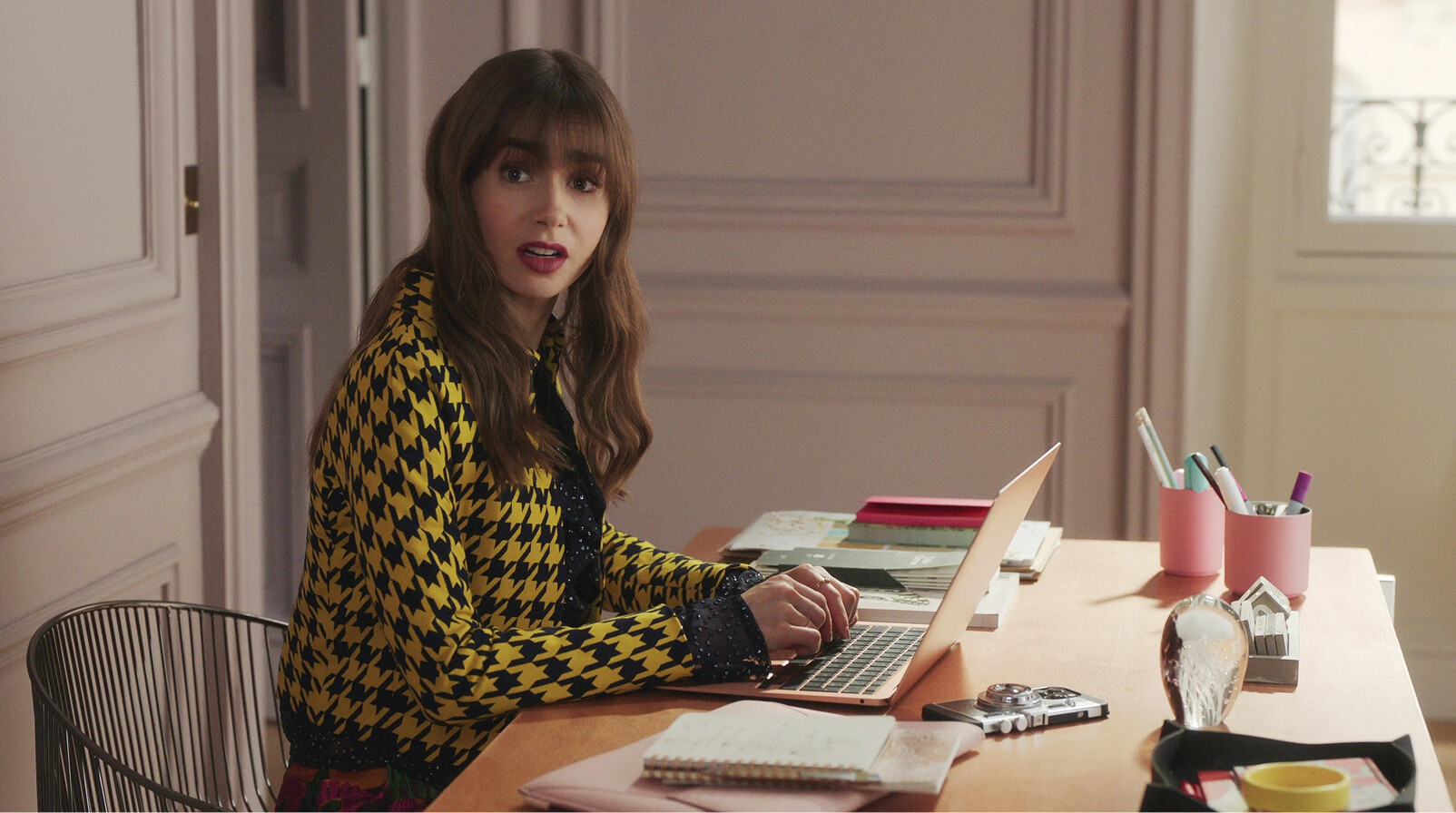
Let's be honest: when was the last time you properly cleaned your laptop? If you have to think about it now, it's been way too long. Nothing to be ashamed of, giving my laptop a good clean isn't exactly at the top of my to-do list either. However, according to microbiologist Jason Tetro, it's wise to give this task a bit more priority, as your laptop is actually a lot dirtier than you think. You might want to sit down for this news, because experts even claim that laptops can contain up to 400 times more bacteria than a toilet seat, especially if you share a laptop or computer at work. Right.
Although we are quite resistant to many bacteria (after all, we come into contact with countless types daily), a dirty laptop can indeed make you sick. When people use laptops while they are sick, which often happens, they can leave viruses and bacteria that can be transferred to another person's fingers and then continue their way to that person's mouth. This is because people touch their face an average of 23 times per hour, which provides plenty of opportunities for infections. The lifespan of these pathogens varies from eight hours to a full month. Goooohooor. How can you prevent this? By cleaning your laptop this way:
1. Turn off your laptop
Please don't skip this step. It would really be just my luck to accidentally delete all my files during my five-year laptop cleaning. Additionally, you can damage your screen if you clean it while it's on. So turn it off.
2. Use a soft cloth
Use a soft, lint-free cloth and preferably dampen it with distilled water. Gently wipe the screen in a circular motion and whatever you do: don't make it too wet.
3. Don't skip your keyboard
Grab a can of compressed air and use it to blow out all the debris from the keyboard. Then use a soft cloth with a bit of isopropyl alcohol (at least 70 percent) to disinfect the keys.
4. Remove dust from vents and ports
Grab that can again and use it to blow dust or dirt out of the ports and vents. If these get clogged with dust, your laptop can overheat and you might have to say goodbye very quickly.
5. Wash your hands regularly
Clean hands = a clean laptop. Don't eat over your laptop and wash your hands regularly. This also means you need to step away from your laptop every now and then, which is quite a nice side effect, right?
Source: Well and Good


